
Sample Point Cloud Data
To help you learn Scan Essentials and allow you to experiment and test different modeling techniques, below is an assortment of point clouds for you to download and use with Scan Essentials.
Buildings & Facades | Interiors | Terrain | Miscellaneous |
|---|---|---|---|
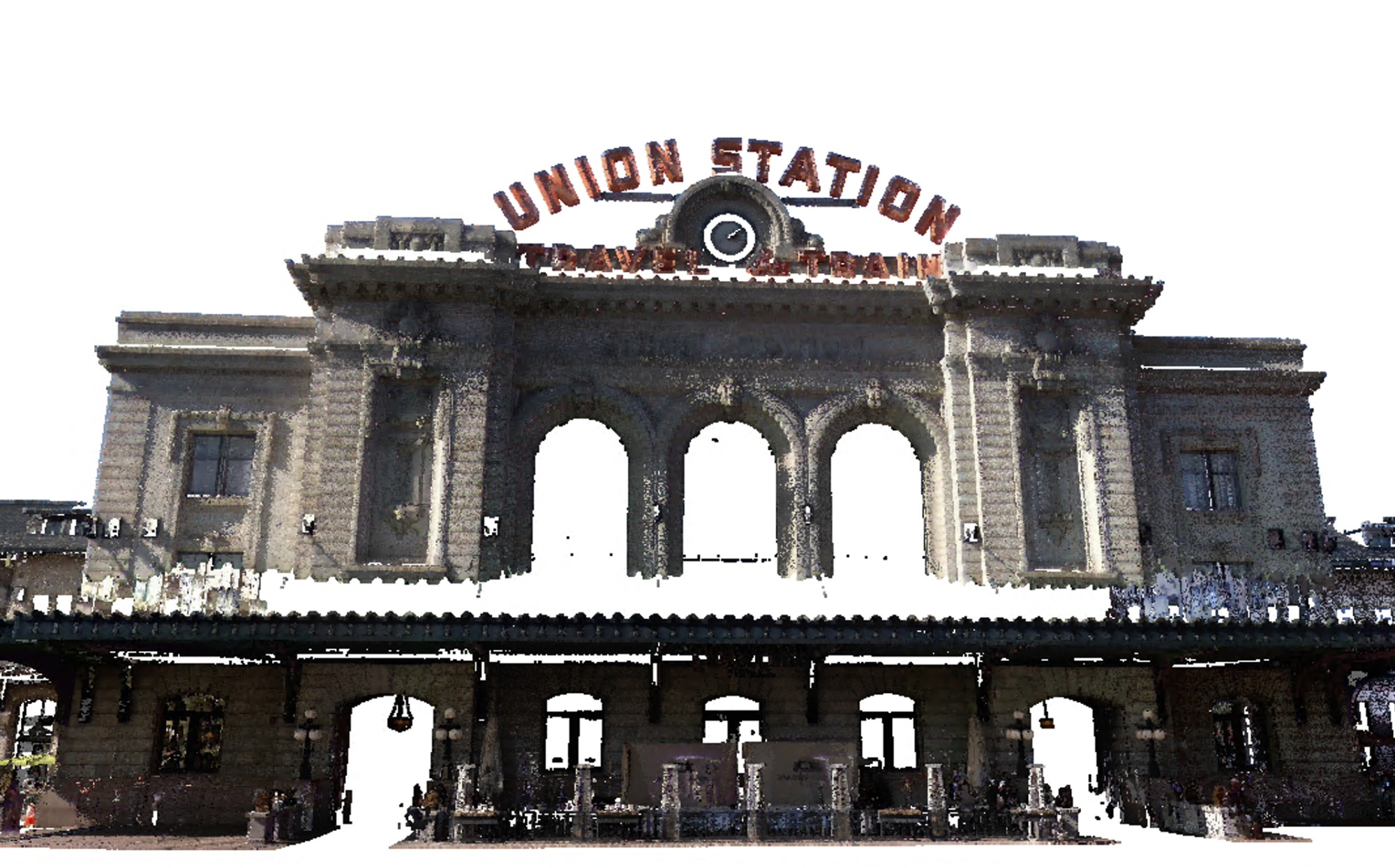 "Union Station" Author: Trimble Inc. Download (121 Mb) | 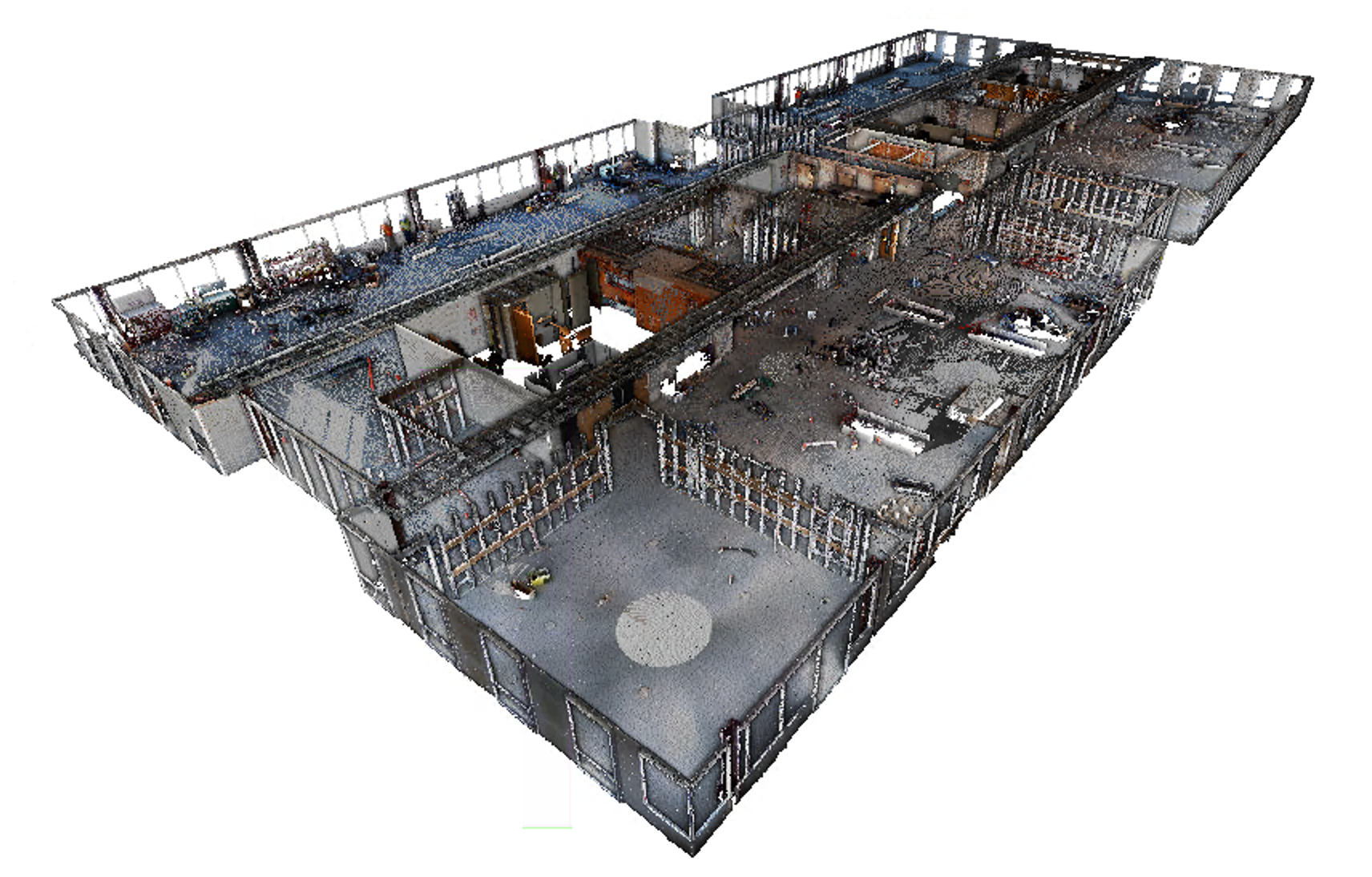 "Office Renovation" Author: Trimble Inc. Download (155 Mb) | 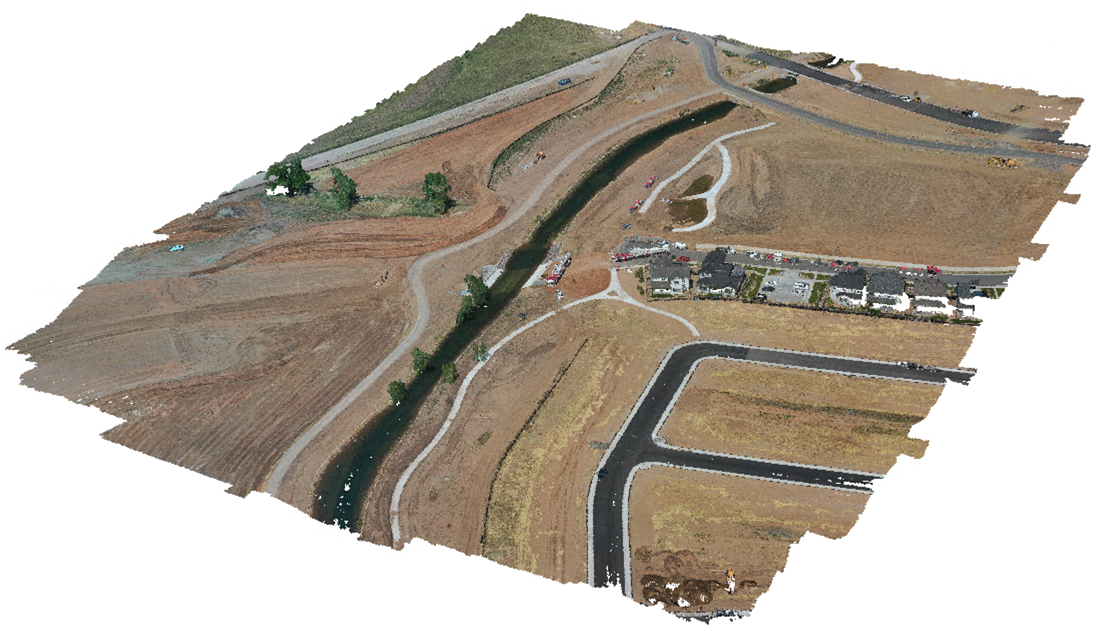 "Land Development" Author: DHM Design Original Format: LAS Download (637 Mb) | 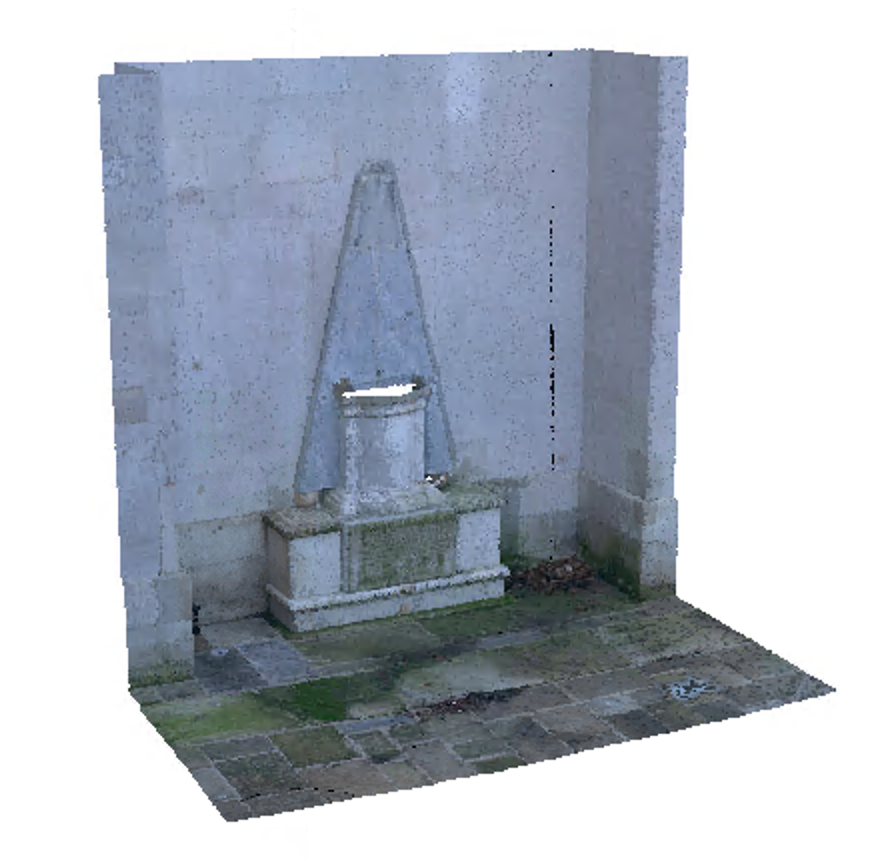 "Creed Monument, Greenwich" Author: Phil Hudson Original Format: LAS License: CC Attribution Download (121 Mb) |
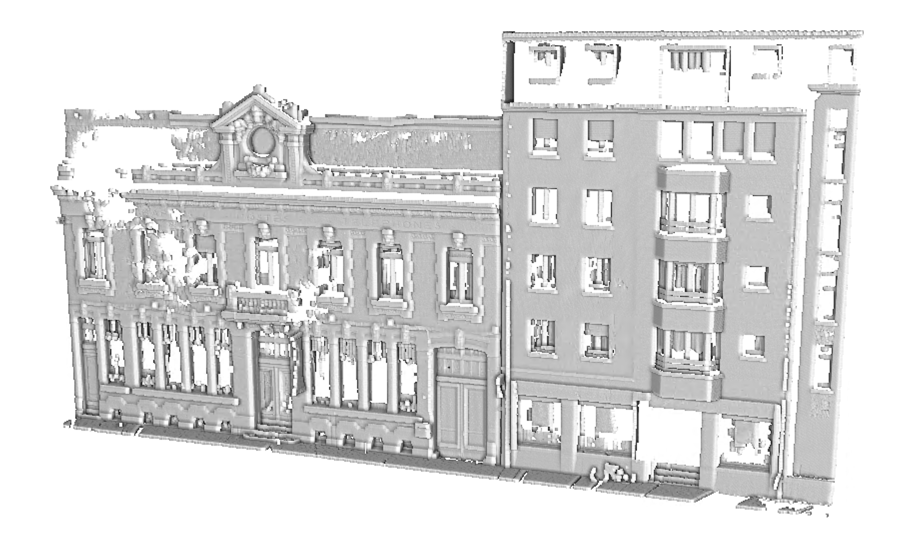 "Calais" Author: Trimble Inc. Original Format: LAS Download RWP (87 Mb) (Includes SKP) | 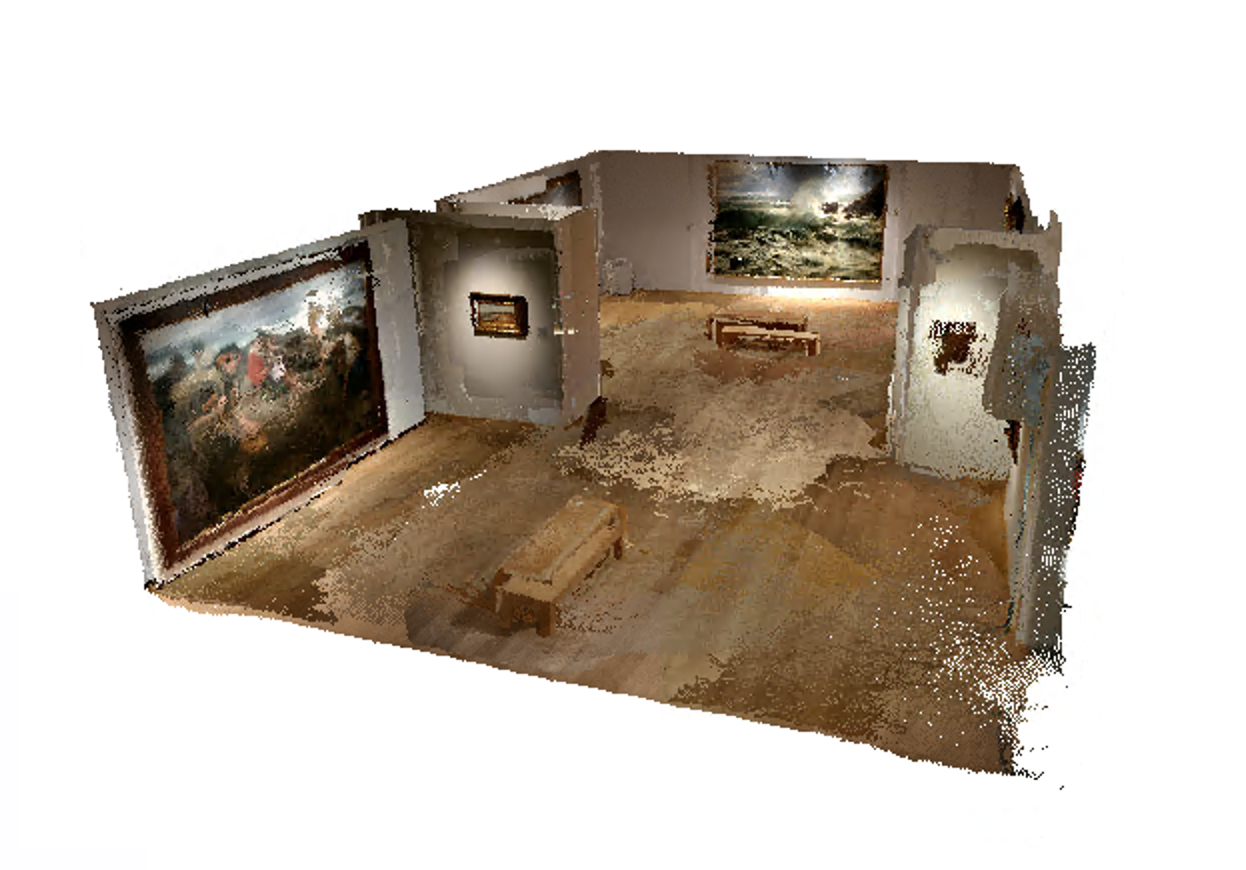 "Museum" Author: Miguel Bandera Original Format: PLY License: CC Attribution Download (98 Mb) | 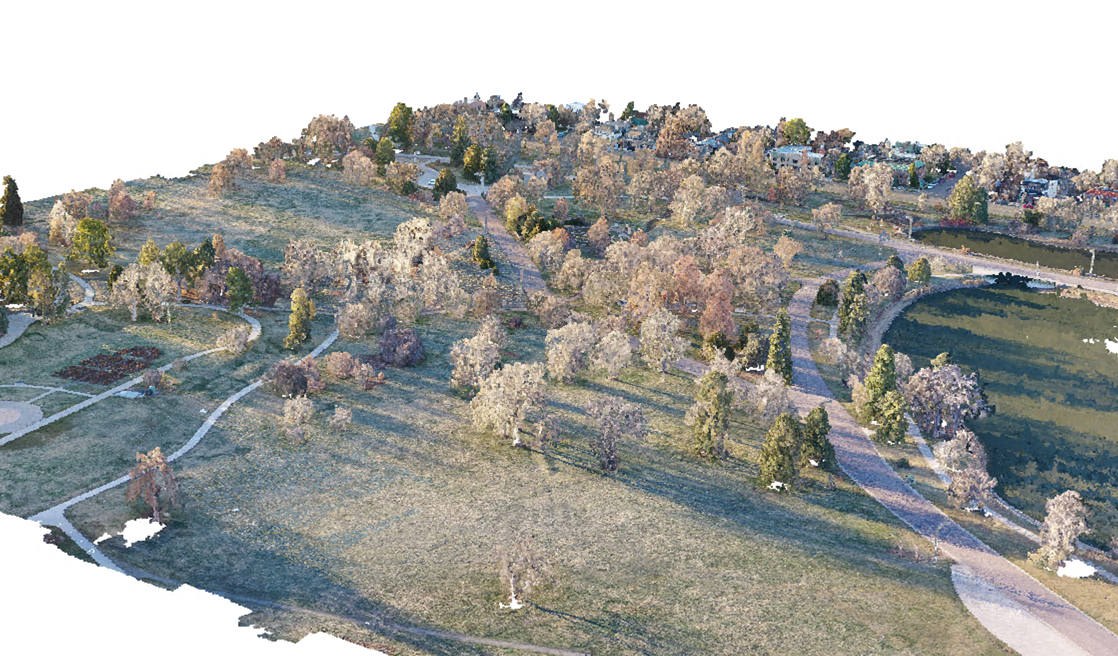 "City Park" Author: DHM Design Original Format: LAS Download (888 Mb) | 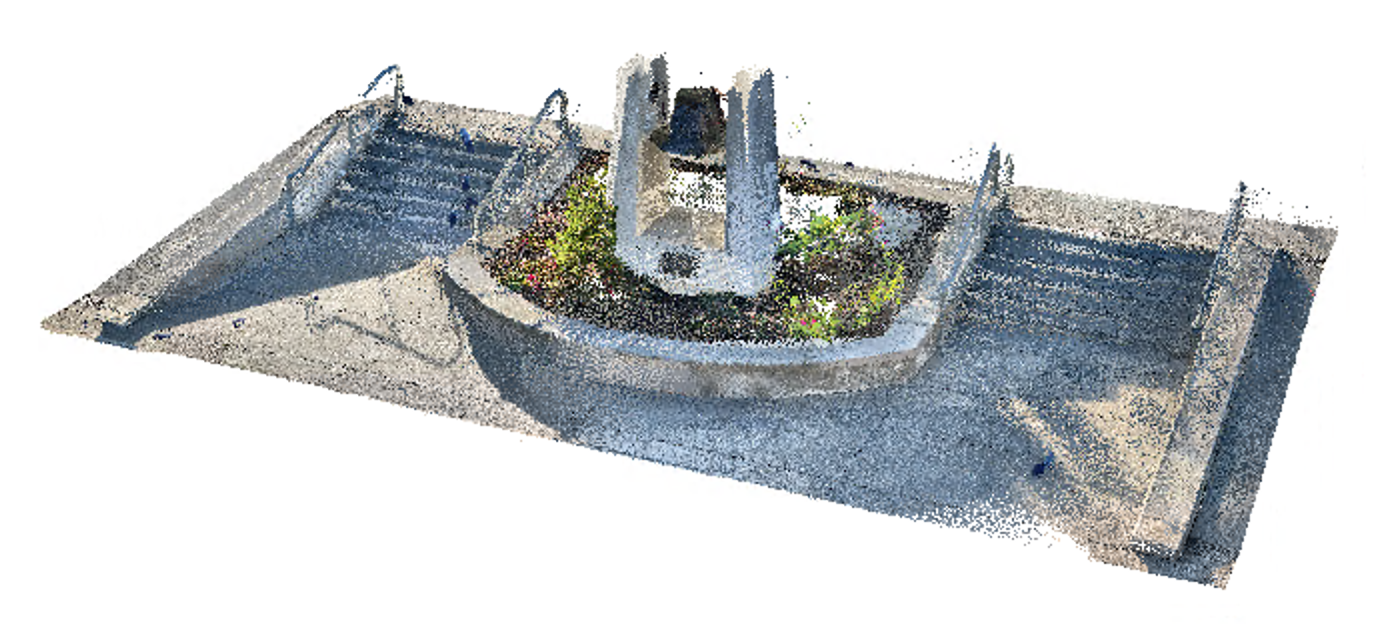 "Liberty Bell, Dolores Park" Author: edemaistre Original Format: PLY License: CC Attribution Download (75 Mb) |
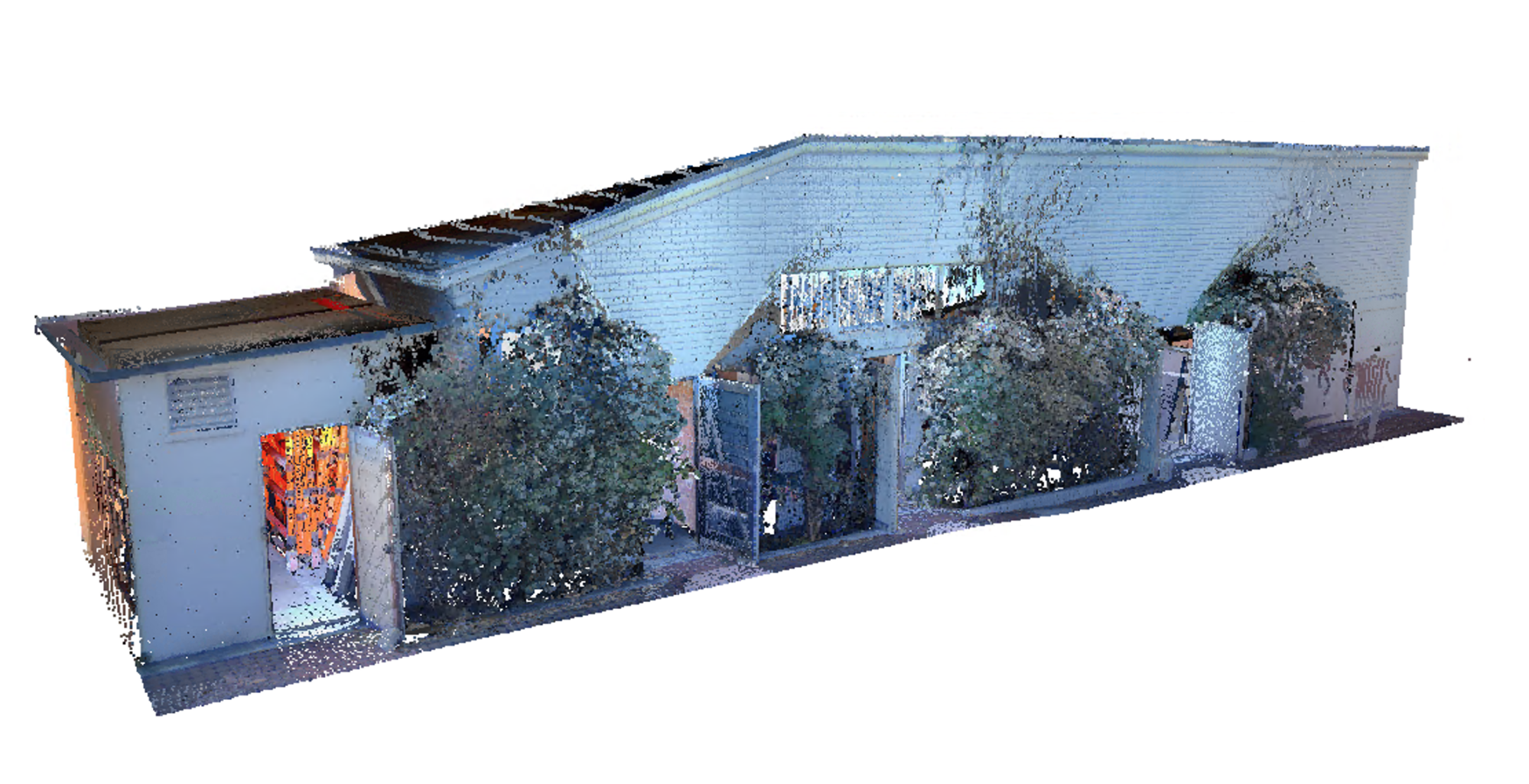 "Stables" Author: Trimble Inc. Download (393 Mb) | 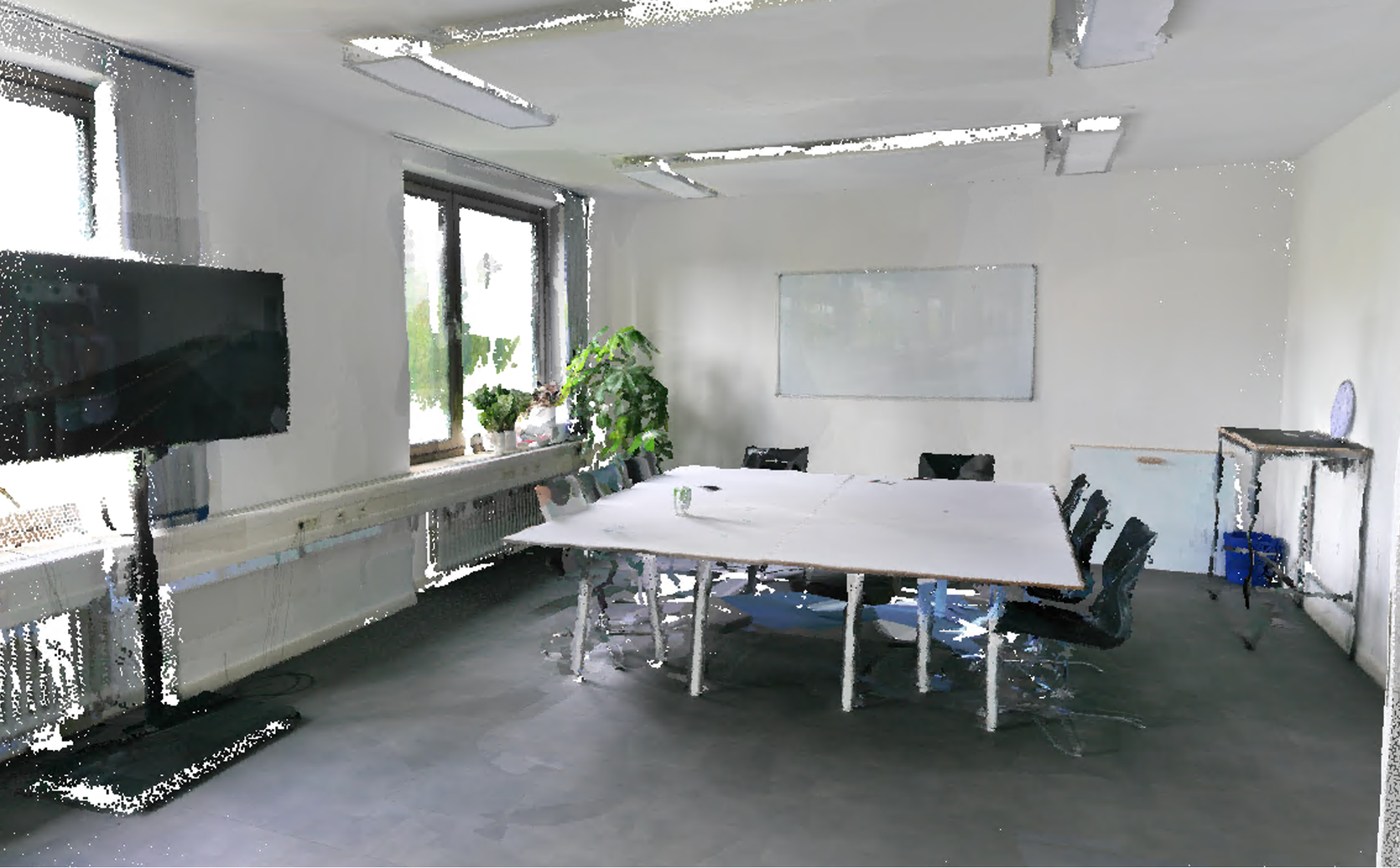 "Office Meeting Room" Author: Trimble Inc. Download (56 Mb) | 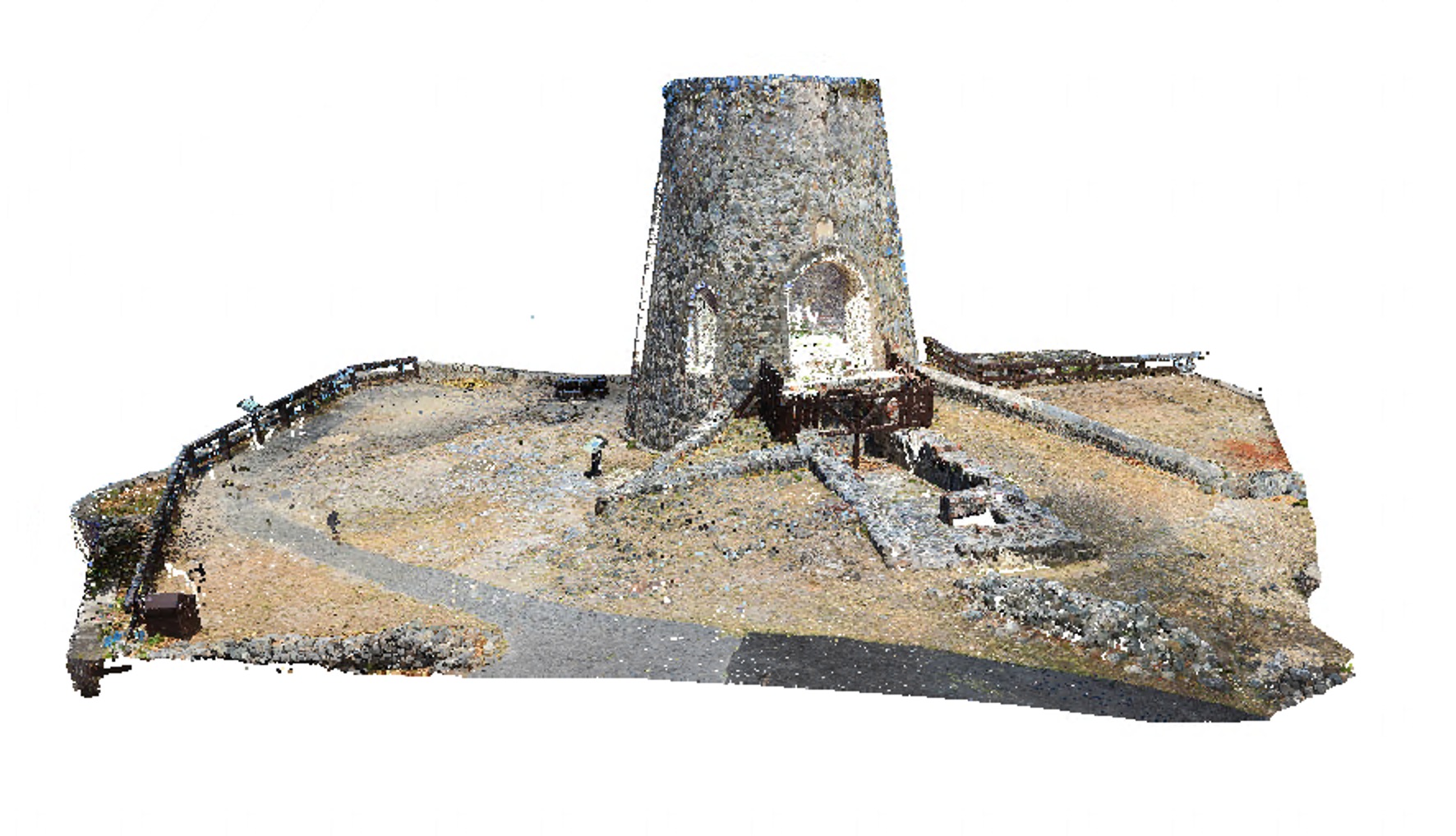 "Annaberg Plantation" Author: Trimble Download (84 Mb) | 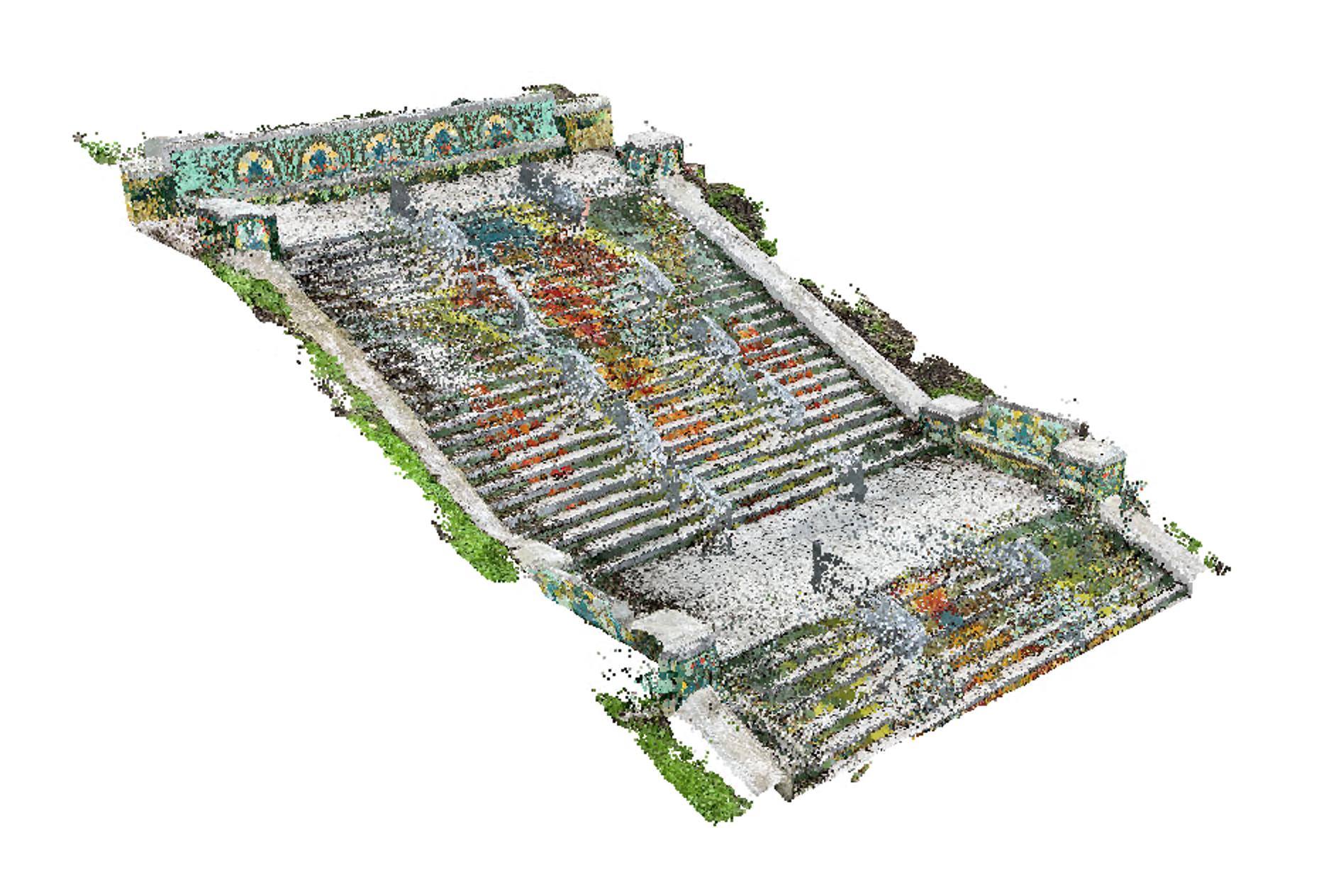 "Lincoln Park Steps" edemaistre Original Format: LAS License: CC Attribution Download (143 Mb) |
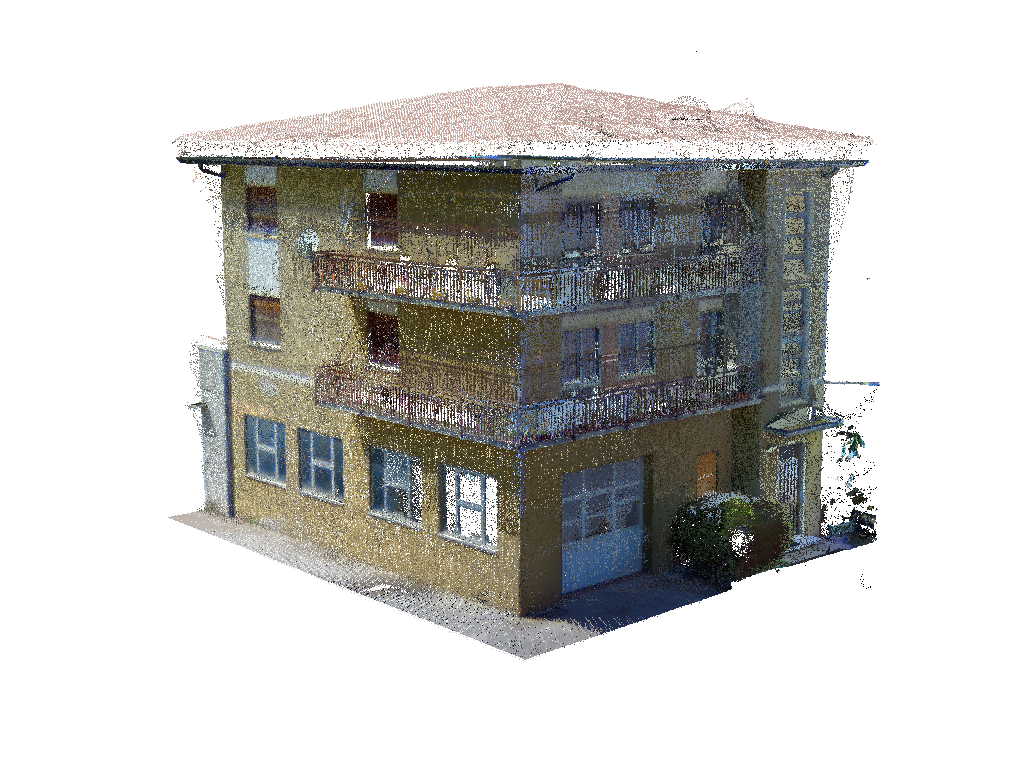 "Italian House" Author: Marco Chiarello Original Format: E57 Download (48 Mb) | 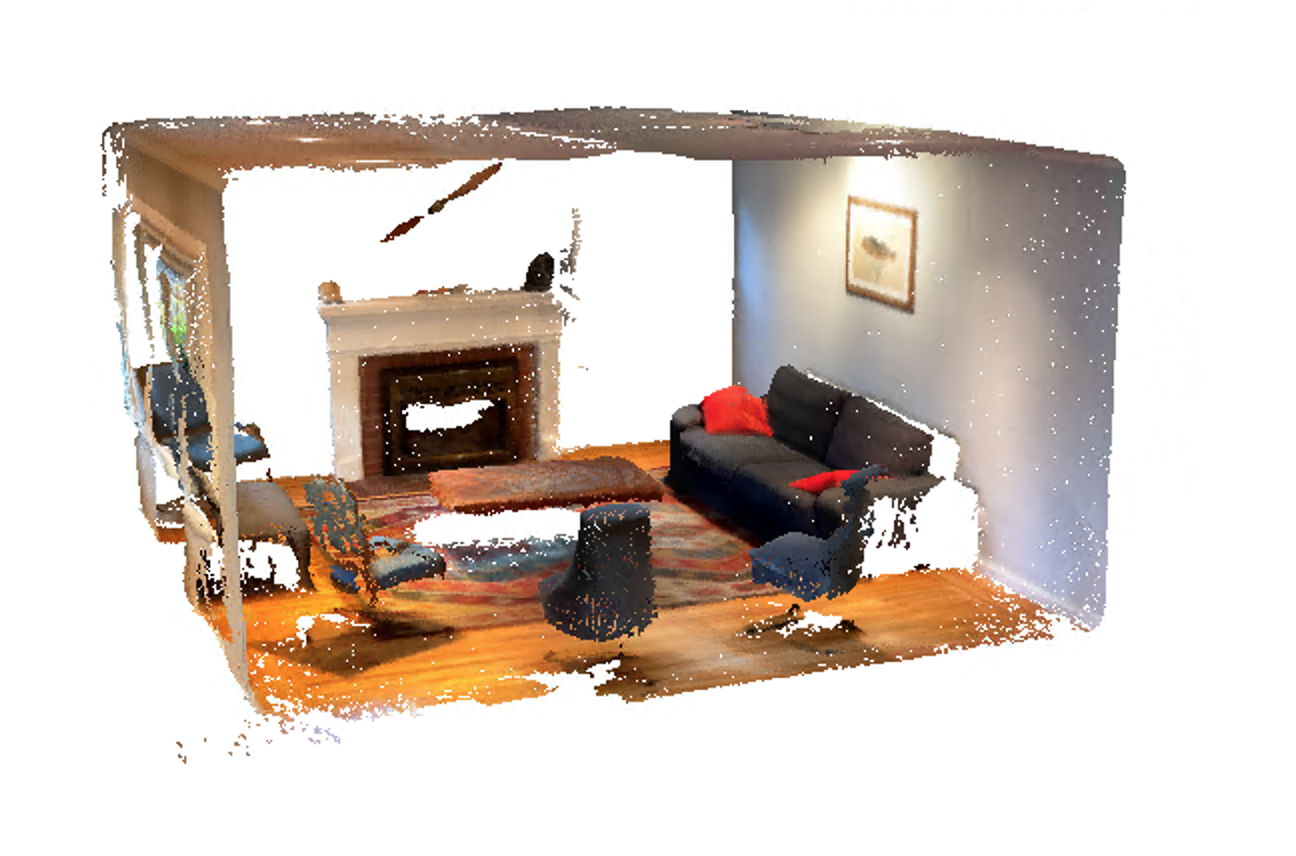 "Living Room" Author: edemaistre Original Format: PLY Licensed: CC Attribution Download (9 Mb) |
Note: The sample point clouds were created with various types of hardware and software including Trimble's various scanning solutions as well as with 3rd party hardware and software, including drones and scanning applications for mobile phone and tablet devices.
To allow for faster download, these point clouds were produced at relatively low resolution and each point cloud is provided as a Realworks project (RWP) in .zip format.
To access the point cloud, extract the contents (.rwp and rwi directory) of the downloaded .zip file into the directory of your choosing and select the rwp file through the Scan Essential toolbar .